Backed up. Findable.
Local storage. Current version, one-time purchase. Runs quietly. Any version opens instantly, with no manual restore needed.
Backup should be simpler.
Backed up, but can't find it.
You know you backed it up, but can't remember which snapshot. Want to peek? You have to restore it first.
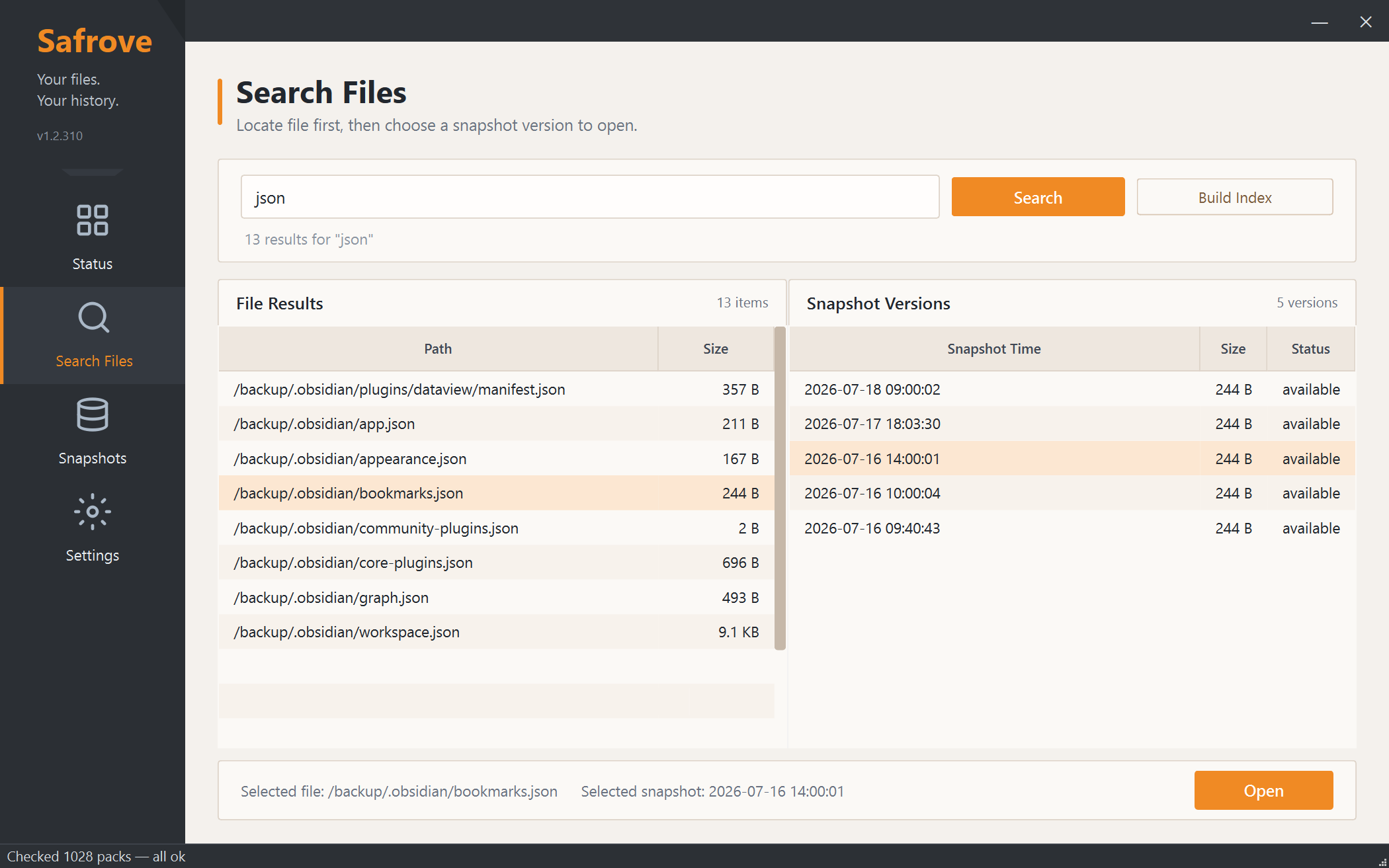
Any version, search and open.
Search filenames, folders, extensions, or path fragments across every indexed snapshot. Select a historical version and double-click to open it without a manual restore.
- Search paths and filenames across snapshots
- Mount as virtual drive
- Instant open, no restore needed
Monthly bills. Popup noise.
Subscriptions are a money pit, and dismissible popups are never dismissible. Backup tools shouldn't beg for attention.
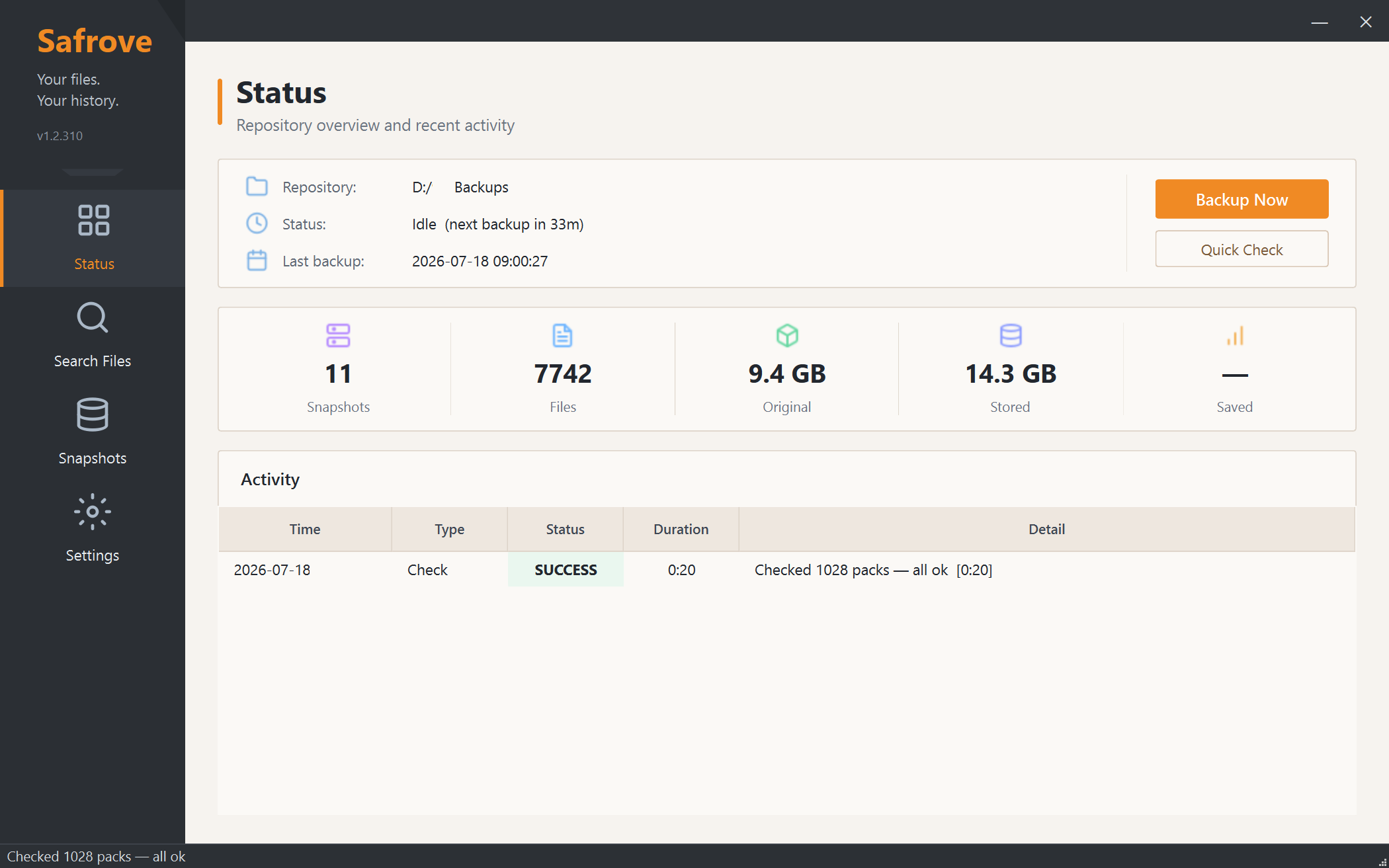
Pay once. Runs quietly.
$9.90 for the current major version — no subscriptions. Lives in your system tray, backs up on schedule. No popups, no push notifications, no noise.
- Current version, lifetime use
- System tray, scheduled auto-backup
- No popups, no interruptions
Restoring just to browse.
You only need a few older files, but must select a destination, wait for a restore, then clean up temporary copies.
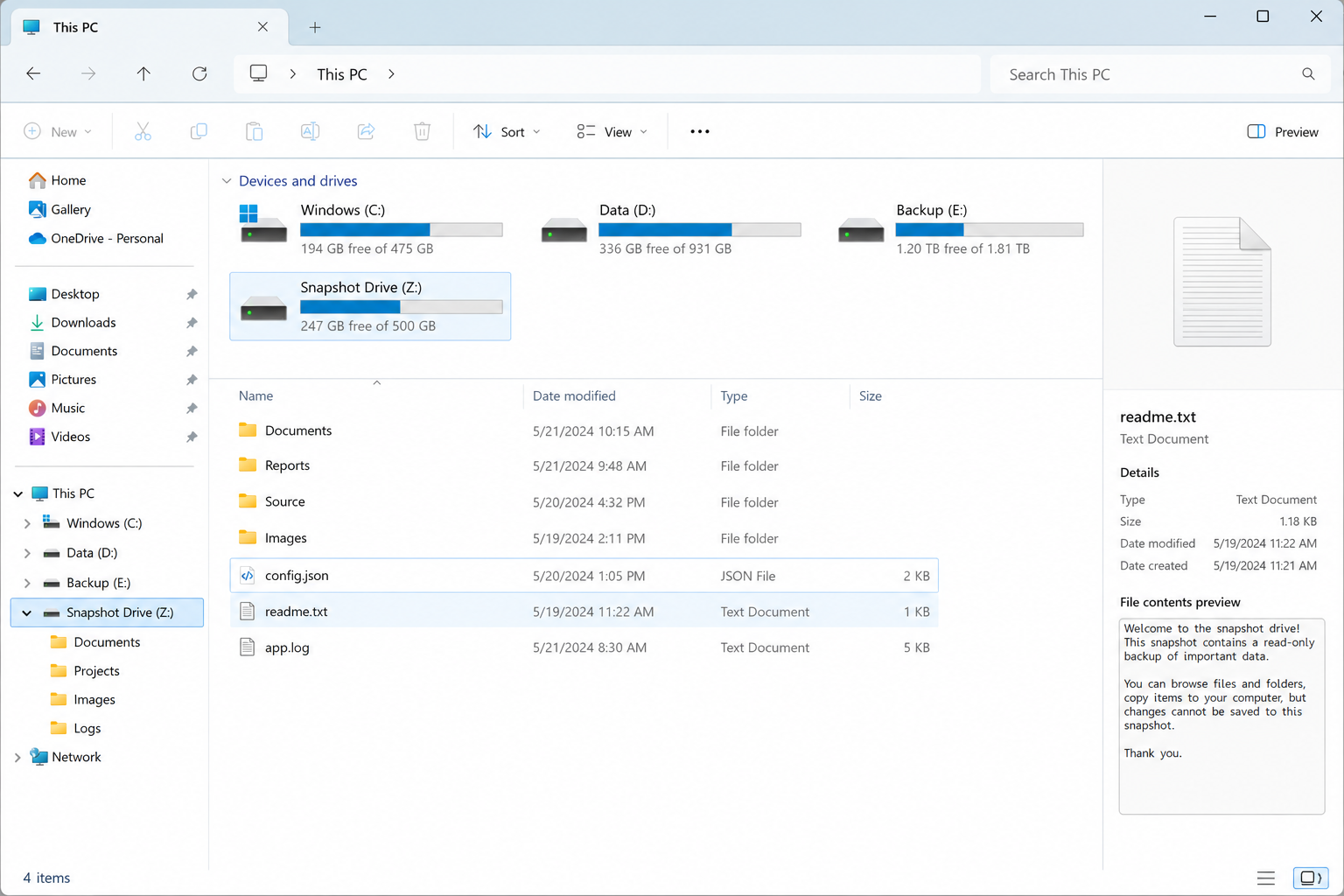
Mount any snapshot as a drive.
Mount a historical snapshot as a Windows drive letter. Browse, search, and open files normally, then unmount it from the tray menu.
- Mount any snapshot as its own drive
- Browse and open in File Explorer
- One-click unmount from the tray